Speed limits & modes
View or adjust supported speed-limit and riding-mode parameters when your exact controller allows it.
 FRAYERRIDES
Controller accessory guide
How to check, connect and safely use a FarDriver programmable Bluetooth adapter with compatible Yozma IN10, Tuttio Soleil 01 and Heybike Villain electric dirt bikes.
As an Amazon Associate I earn from qualifying purchases. Price and availability can change. This researched guide is not yet a FrayerRides long-term product test.
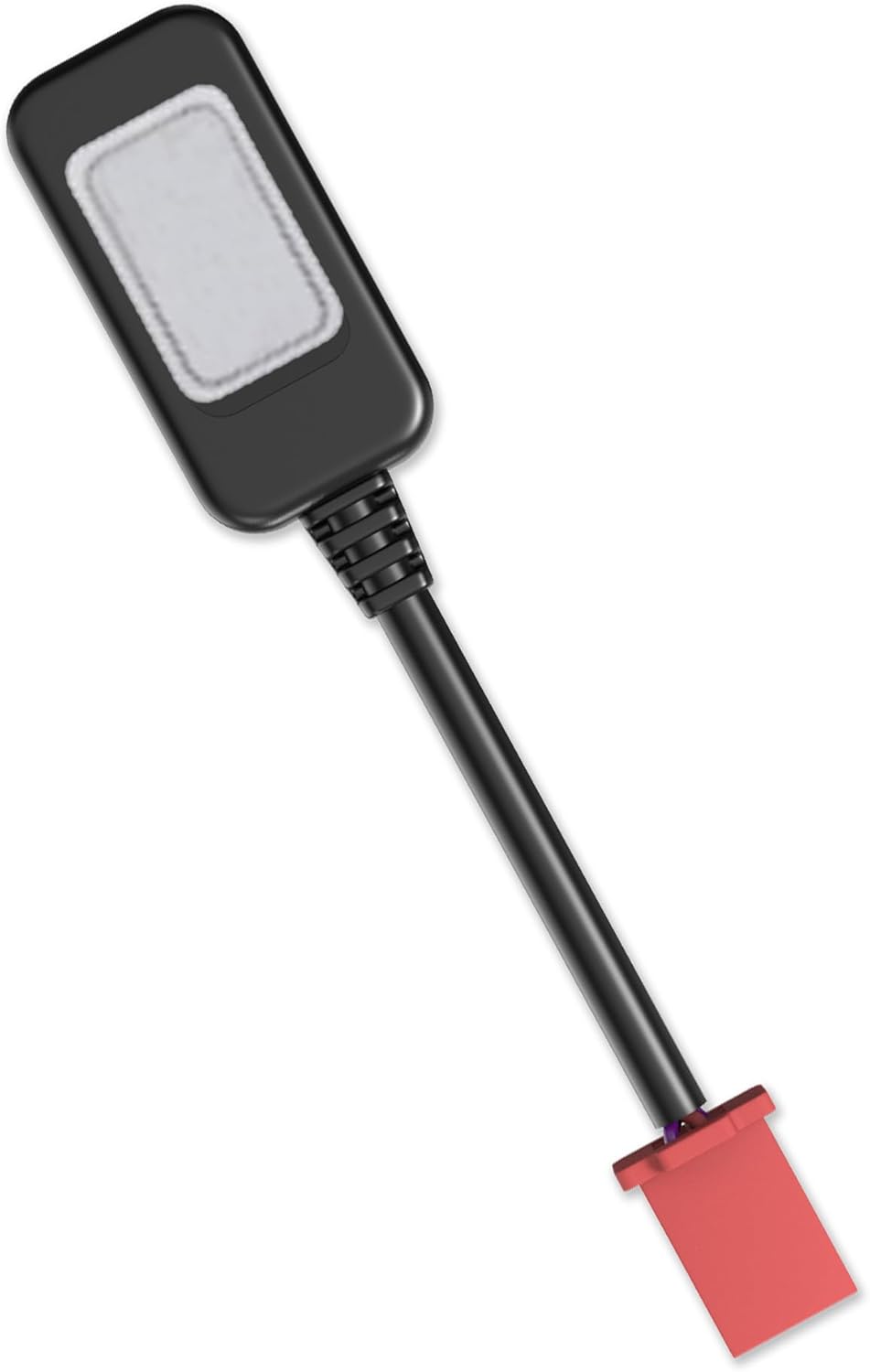 Product image from the linked Amazon listing · connector appearance may vary
What the dongle is good for
The adapter does not create extra motor power. It provides wireless access to supported FarDriver controller settings and live information through the FarDriver app.
View or adjust supported speed-limit and riding-mode parameters when your exact controller allows it.
Compatible controllers may expose throttle sensitivity or response settings. Small, documented changes matter.
Review supported regen behavior without confusing it with the bike's mechanical brake performance.
Monitor available voltage, current, temperature and fault information while setting up or troubleshooting.
Check before ordering
The controller and connector decide compatibility. The linked Amazon listing names newer FarDriver/Nanjing controllers manufactured after July 2022. Different production runs of the same bike can use different electronics.
Photograph the controller label and programming plug. Compare both with the Amazon listing or ask the seller to confirm. Do not assume every IN10, Soleil 01 or Villain production run is identical.
Connection walkthrough
Work slowly and keep the bike powered off whenever you connect or disconnect wiring. If the plug does not match or seat easily, stop.
Read the controller label. It must be a supported FarDriver/Nanjing controller generation with the matching programming connector. Compatibility follows the controller—not the logo on the frame.
Switch the bike off, remove the key and disconnect the battery when the bike design allows it. Never plug or unplug a programming dongle while the controller is powered.
Remove only the cover needed to access the controller. On supported layouts, look for the dedicated matching programming connector—often a small white or four-wire plug. Do not cut, splice or guess.
Check pin orientation, align the connectors and press them together gently. Secure the bike before powering on, with the driven wheel clear of the ground and the throttle untouched.
Enable Bluetooth, open the official FarDriver app and stay close to the bike. Power on and scan for the controller. Use FarDriver's official download page or your controller seller's verified link for the app.
Before editing, screenshot every parameter page and record controller model and firmware. There may be no simple factory-reset button, so these records are your restore point.
Use only a value documented for your exact controller, battery, BMS and motor. Save one change at a time. Never paste a stranger's complete tune or raise current, voltage or field-weakening values blindly.
After saving, power off before removing the adapter. Refit the cover, first test at very low speed, then use a closed private area. Stop for heat, unusual noise, fault codes, rough throttle or abnormal braking.
Speed-limit guidance
“Unlock” usually means changing an available speed-limit or riding-mode setting—not magically adding power. The exact menu and safe value vary by controller firmware, motor, battery and region. Use only a bike-specific value confirmed by the manufacturer, seller or a qualified FarDriver tuner.
Do not change advanced motor parameters to chase a number. FarDriver warns that excessive current or field weakening can greatly increase the chance of controller damage. More speed also means less range, more heat, faster tire and brake wear, and a longer stopping distance.
Documented speed-limit or mode changes, one small step at a time, with a complete factory backup.
Battery current, phase current, rated voltage, field weakening, FOC, Hall or motor-identification parameters.
Changing assisted speed or power can make an electric bike illegal on public roads, invalidate insurance or warranty coverage, and exceed the design limits of its brakes, tires, frame, battery or motor. Check the rules where you ride. Use modified settings only where legal—normally private property or designated off-road areas—and always wear appropriate protective equipment.
Search questions answered
No. Compatibility follows the controller, not only the bike name. The Amazon listing specifies newer FarDriver or Nanjing controllers made after July 2022 and names the Yozma IN10, Tuttio Soleil 01 and Heybike Villain. Check the controller label, connector and seller guidance before buying.
No. It gives a compatible phone access to supported controller settings and live data. Any change in speed, response or regenerative braking comes from a saved controller setting and remains limited by the battery, BMS, controller, motor, gearing and temperature.
A compatible FarDriver controller may expose speed-limit and riding-mode settings, but there is no safe universal value for every bike. Use only a setting confirmed for your exact controller, battery and motor. Higher assisted speed may be illegal on public roads and can reduce range, increase heat and void warranty coverage.
Power the bike off before connecting or disconnecting it. Some bikes may show an error or behave differently with a programming module attached, so disconnect it after saving unless the controller or dongle instructions explicitly say it may remain installed.
Screenshot every factory parameter page and record the controller model and firmware. The screenshots are your restore reference. Change one documented value at a time and never copy a complete tune from a different battery, controller or motor.
Research notes
This guide is based on the linked product information, FarDriver's controller documentation and compatibility information available at publication. Hardware and firmware can change without notice.